

Work today feels broken in a simple way. Too many tasks. Too much context switching. Not enough help in the exact moment help is needed.
That gap explains the rise of companion-like support tools for employees. In plain English, these are digital helpers that stay close to the flow of work. They answer questions, draft messages, recap meetings, suggest next steps, and sometimes offer check-ins or stress support.
This category is wider now. It includes productivity companions, like meeting and writing assistants, and wellness companions, like chat-based support tools. As of March 2026, interest keeps rising for a basic reason: companies want faster work, less admin, and better employee support without adding more process. The appeal is obvious. Less friction. More signal. But hype is cheap, so the real question is where these tools help, and where they don't.
What companion-like support tools for employees actually do
These tools are not magic. They are sidekicks.
That distinction matters. A good companion tool doesn't replace judgment, trust, or care. It removes drag. It handles small cognitive chores that pile up all day and wear people down by 4 p.m.
In practice, that means quick answers, short summaries, first drafts, reminders, planning help, and prompts that keep work moving. Some also add light coaching or emotional support. Not therapy. Not management. Just support in the gap between one human touchpoint and the next.
They help with work tasks right when people need it
This is the main lane: in-the-flow support.
A meeting ends, and the tool drafts a recap. An inbox gets messy, and it suggests a reply. A project stalls, and it surfaces the next action. Instead of forcing people to stop work and go hunt for context, the tool brings context closer.
Zoom AI Companion, Microsoft Copilot, Google Gemini, Notion AI, Asana Intelligence, Arahi AI, and Cisco's assistant for Webex all chase the same outcome: less note-taking, less searching, fewer dropped threads. Tools like Motion, Mem AI, AdaptAI, and Zapier AI push further into planning, recall, and cross-app task handling.
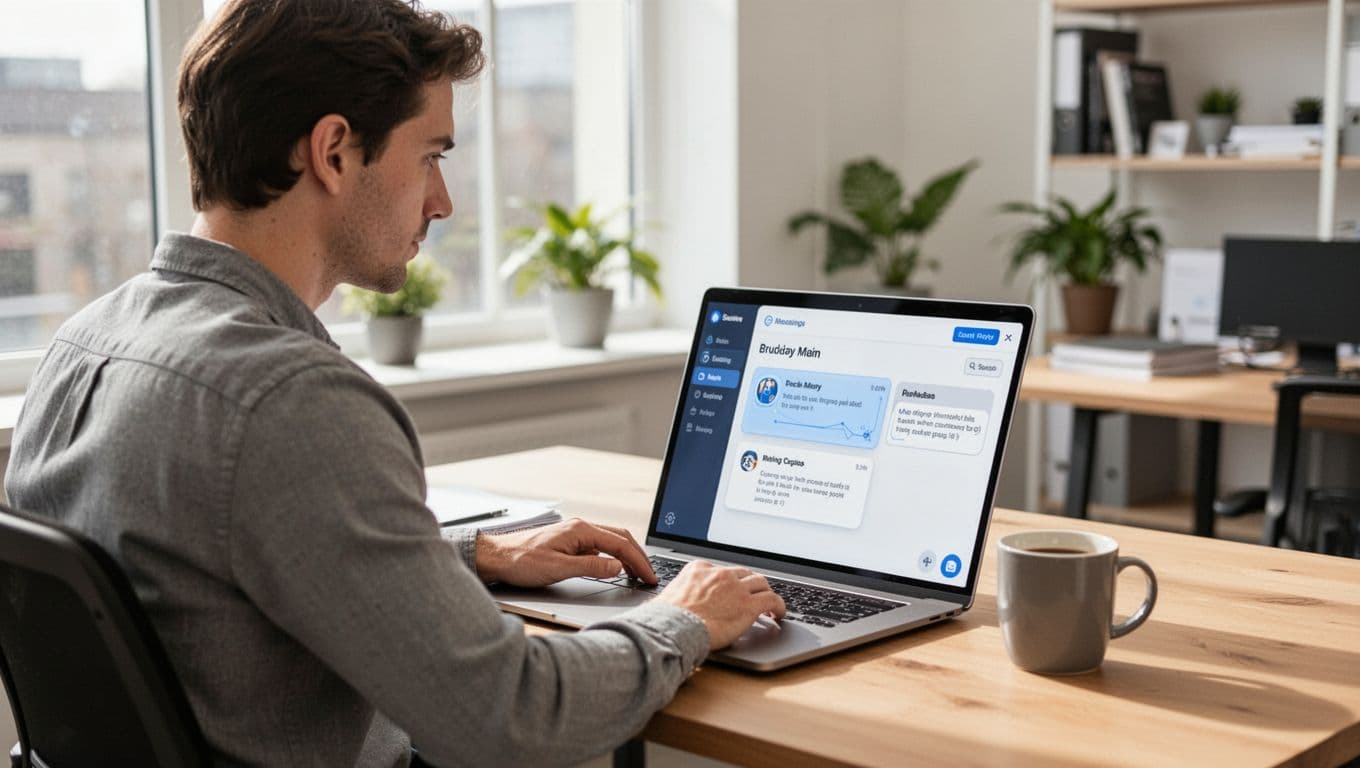
The point is not features. The point is relief. A useful companion tool trims the little bits of work that steal focus. For a broader view of how these systems are showing up across team software, see Webex's overview of AI productivity tools.
Some tools also support stress, burnout, and day-to-day well-being
A second group focuses on the person, not just the task.
These tools offer chat-based support, mood check-ins, journaling prompts, CBT-style exercises, reflection prompts, or coaching nudges. Wysa, Woebot, Ginger.io, SOUl AI, Therabot, and olivER sit in this lane. So do employer-facing wellness platforms that promise fast, private, always-on support between formal care options.
That can help, especially during rough weeks. An employee may not book a therapist today. They still might need help calming down before the next meeting. That's where a companion tool can be useful.
Still, boundaries matter. These tools do not replace therapists, managers, or employee assistance programs. They can support people between touchpoints. They should not pretend to be the whole system. A recent review of AI mental health apps makes that tradeoff plain: access is better, but quality and safety still vary.

The biggest benefits employees and teams can expect
The upside is practical, not mystical.
When these tools work, they cut admin work, speed up follow-through, reduce search time, and make collaboration less messy. They also give employees another layer of support when the day gets noisy. That matters because friction creates stress. Remove some friction, and stress often drops with it.
The evidence on direct workplace mental health outcomes is still thin in many cases. That's the honest answer. Yet early interest is strong because teams can feel the difference when the workday stops fighting them.
Less busywork can mean more focus and less daily friction
Small wins stack fast.
Fewer notes to write. Fewer follow-up emails to remember. Fewer app switches. Fewer tasks lost in the fog after a meeting. None of that sounds heroic. It still changes the day.
A meeting assistant that captures action items saves ten minutes here, fifteen there. A writing companion that drafts a clean first pass saves another chunk. A search layer that finds the right file without five detours saves even more. The result is more focus time, not because people suddenly become superhuman, but because the system stops wasting them.
That's the real benefit. Less drag. Better continuity. Work feels less like a pinball machine.
Always-on support can help people feel less stuck
Employees don't only need help from 9 to 5.
Sometimes the problem is a rough draft at 7 a.m. Sometimes it's anxiety before a client call. Sometimes it's a stalled task between meetings, when there's no time to ask a coworker. Companion-like tools can fill those gaps with quick answers, planning prompts, coaching cues, or a short stress reset.
This is especially useful for remote and hybrid teams. When people aren't sitting near each other, tiny blocks last longer. A digital companion can reduce that lag.
Some workplace wellness vendors are trying to build around that need. For example, TRIPP for organizations positions AI-guided support as an always-available layer for stress management. Whether that works for a given team depends on trust, design, and guardrails. Still, the use case is real: support that shows up before a person hits a wall.
Where these tools fit best, and where they can fall short
Good fit and bad fit are not the same thing. People blur them. That's a mistake.
These tools work best in environments with lots of text, meetings, moving parts, and uneven access to help. They struggle when leaders expect perfect answers, skip privacy review, or use a wellness bot as a substitute for care.
Privacy matters in every software rollout. It matters more when a tool sees calendars, messages, files, or health-related signals. Accuracy matters too. A bad summary can mislead a team. A biased coaching prompt can do harm. Over-reliance is another risk. If workers stop checking outputs, errors stop being small.
A companion tool should reduce pressure, not hide it.
Best-fit use cases for productivity, coaching, and wellness support
Three buckets make this easier to see.
Productivity support fits fast-moving knowledge work. Think sales teams, project leads, support teams, and managers drowning in meetings. This is where meeting summaries, drafting help, file search, and cross-app automation earn their keep.
Manager or career coaching support fits employees who need help framing feedback, planning goals, or preparing for hard conversations. These tools can help people think more clearly before they speak.
Well-being support fits teams with uneven schedules, hybrid work, and real fatigue. In that setting, an always-on check-in tool can help someone pause, regulate, and keep going without turning one bad hour into a bad week.

Questions leaders should ask before rolling anything out
Start with the boring questions. They are the useful ones.
What data does the tool see? Where is that data stored? Who can access it? Can employees opt in, or opt out? What happens when the tool gets something wrong? If the tool handles wellness support, how does human handoff work when a person needs more help?
Then ask one more thing: how will success be measured? Time saved? Faster follow-up? Better employee satisfaction? Higher adoption after 30 days?
If nobody can define success, the pilot is theater.
For a wider snapshot of the crowded product market, this tested roundup of AI productivity tools shows why careful selection matters more than ever.
How to choose the right companion-like support tool for your workplace
Start with the pain point, not the product demo.
If the real problem is meeting overload, choose a meeting helper. If writing and document work eat the day, pick a workspace assistant. If people lose time moving between apps, look at automation. If burnout, isolation, or AI anxiety keep surfacing, evaluate coaching or wellness support.
This quick view helps frame the choice:
| Team pain point | Best tool type | Current examples |
|---|---|---|
| Too many meetings | Meeting companion | Zoom AI Companion, Webex AI |
| Heavy writing load | Workspace assistant | Microsoft Copilot, Google Gemini, Notion AI |
| Repetitive app work | Automation layer | Zapier AI, Motion |
| Stress and burnout | Wellness companion | Wysa, Woebot, TRIPP |
The pattern is simple: match the tool to the friction.
Match the tool to the kind of support employees really need
A Microsoft-heavy company will usually get the fastest lift from Copilot. A Google Workspace team may get more value from Gemini. Teams buried in docs and project notes may prefer Notion AI or Asana Intelligence. If the issue is meeting overload, Zoom AI Companion is an obvious starting point.
That said, wellness tools belong in a different buying lane. They need more care, more privacy review, and clearer limits. A stress support tool can help with burnout signals, but it can't carry the full weight of employee well-being.
Start small, measure results, and keep a human backup
Pilot first. One team. One workflow. One real problem.
Then measure a few things that matter: time saved, follow-up speed, employee satisfaction, and adoption rate. Watch behavior, not just demo excitement. Also train people on when to trust the tool, when to edit it, and when to ignore it.
The best setup blends AI support with human judgment. That's not a compromise. That's the operating model. A companion should stay close, stay useful, and stay in bounds.
Companion-like support tools for employees are worth attention because they can remove friction in the exact moment work gets heavy. That's the real promise. Not replacement, not theater, just support that helps people move. The strongest programs mix productivity help, clear guardrails, and human backup. As these tools become more personal and more cross-app in 2026, companies that choose carefully won't just get more value. They'll get more trust, too.