

Remote work in 2026 can feel like living inside a browser. Too many tabs. Too many pings. Too many video calls stacked so tightly that lunch starts to look optional. Add the pressure to reply fast, stay visible, and sound upbeat on camera, and the workday turns into static.
That strain has a name: digital fatigue. Some people call part of it Zoom fatigue, screen fatigue, or meeting burnout. The labels matter less than the pattern. Your team feels drained before the hard work even starts.
This matters because fatigue doesn't stay personal. It spills into focus, morale, judgment, and output. Recent 2026 reporting shows remote workers average 13.2 hours a week on video calls, and about 60% report Zoom fatigue. That's not a side issue. That's part of the operating system.
The good news is simple: remote teams can fix a lot of this by changing how work is designed.
Spot the signs before digital fatigue turns into burnout
Digital fatigue usually starts as friction, not drama. People lose focus faster. They dread meetings they used to handle fine. Replies get shorter, then slower. Cameras stay off more often. Small mistakes creep in. By Friday, everyone feels oddly flattened.
This is where teams go wrong. They treat fatigue like a personal weakness. They tell people to build stamina, drink water, stretch more. None of that hurts. Still, if the system keeps spraying alerts at people all day, the problem stays.
Fatigue is often a workflow signal, not a character flaw.
For remote teams, the warning signs are easy to miss because everyone still looks "online." Green dot on. Calendar full. Messages sent. That doesn't mean people are okay. It often means they're pushing through noise.
What digital fatigue looks like in day-to-day remote work
The daily pattern is blunt. Screen overload. Constant app-switching. Notifications slicing the day into scraps. Then there's the mental tax of reading tone through chat, video, and voice notes. People aren't just doing work; they're decoding it.
A tired brain starts taking shortcuts. It skims. It guesses. It misses details. That's one reason the science of digital fatigue matters for managers, not just employees. Less mental bandwidth means lower quality decisions.
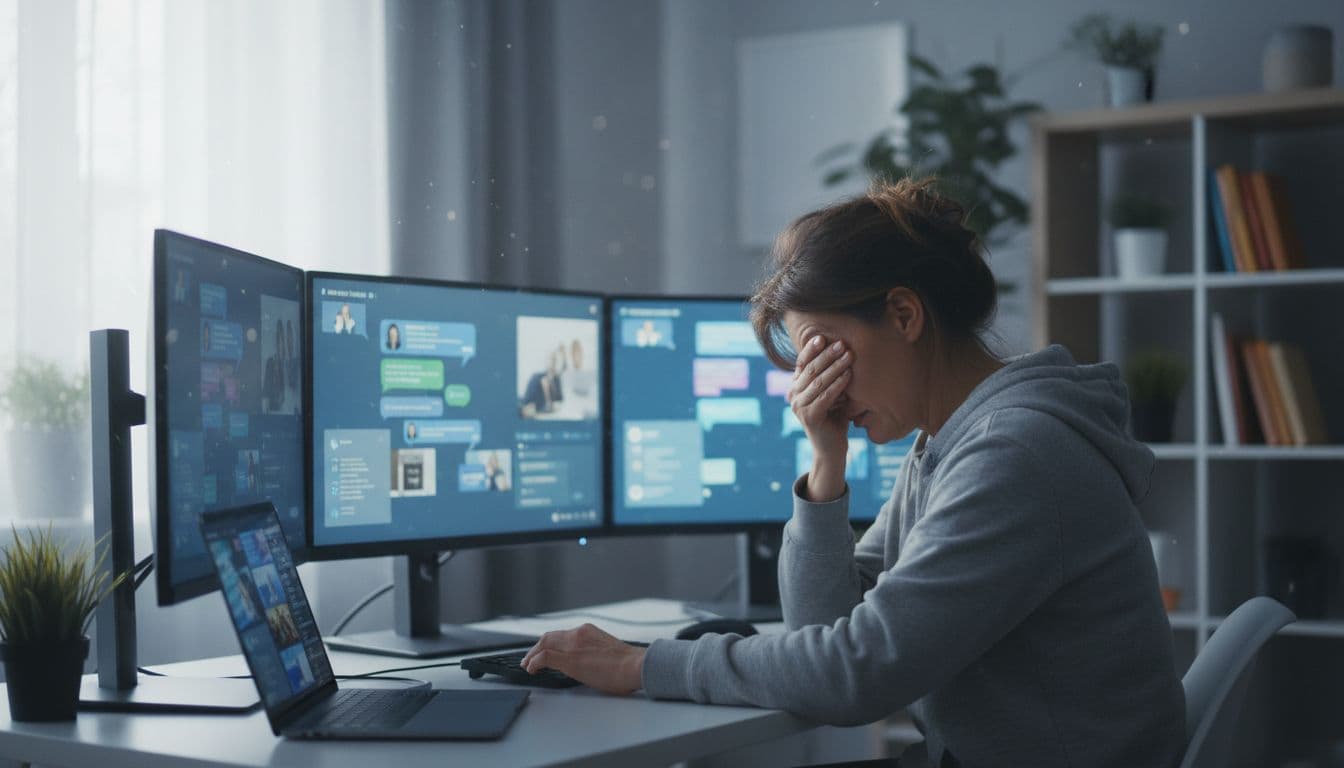
How to tell the difference between a busy week and a real team pattern
A busy week comes and goes. A fatigue pattern repeats. You see it across several people, across several weeks, often around the same points in the process.
Watch the simple signals. Meeting hours keep climbing. People apologize for delayed replies that weren't late. Participation drops in calls, yet chat volume goes up. Work gets discussed all day, while real task completion slips. That's not random. That's design debt.
Build a calmer workday with better team rules
Most teams don't need another platform. They need better rules. I've seen companies buy wellness perks, AI summaries, and meeting bots while keeping the same bad habits. Nice packaging. Same problem.
The biggest fix is moving toward async-first work. Many remote teams in 2026 are doing exactly that because it cuts pressure and gives people longer blocks to finish actual tasks. Async doesn't mean slow. It means not every message becomes a tiny emergency.
Shift from instant replies to clear response windows
Set reply windows by channel, then stick to them. For example, chat can be "within two to four hours," email can be "by next business day," and urgent issues can use a separate path, such as a call or marked incident channel. Now people know what fast means. They stop guessing.
That one change removes a lot of fake urgency. It also helps across time zones. A designer in Denver shouldn't feel late because a manager in New York sent a 6:12 a.m. note. Fairness is part of fatigue control.
Written norms matter too. Say when a reply is optional. Say when input is due. Say who owns the next step. Teams that write clearly make fewer meetings because they leave less fog behind. Asana's 2026 guide to asynchronous communication lays out this difference well: async works when expectations are explicit.
Cut video meetings and use async updates instead
Not every update deserves faces in boxes. Status reports, weekly progress notes, handoffs, and routine check-ins can live in written updates, short recorded videos, or shared boards. Tools don't solve culture, but they can support it when the rule is clear.
Live meetings still have a job. Use them for decisions, conflict, coaching, and real team connection. Don't use them because someone is nervous without instant feedback. That's not collaboration. That's reassurance dressed up as process.
A simple no-meeting block helps, too. Pick two or three hours, or one afternoon, where the team can think without interruption. Protect it hard. The point isn't silence for its own sake. It's task completion.
Use tools that reduce noise, not add more of it
Tools should lower mental load. Most teams do the opposite. They pile on chat, project boards, docs, whiteboards, notes apps, meeting bots, and three places where "the latest version" might live. Then they wonder why people feel cooked.
The fix is boring. Good. Boring scales.
Pick one place for updates, one place for tasks, and one place for urgent issues
Make a tool map and keep it stupidly clear. One place for updates, such as Slack or Teams with threads. One place for tasks, such as Trello, Jira, or Asana. One place for urgent issues, such as a dedicated incident channel or phone path. That's enough for most teams.
Less tool confusion means less mental drag. People stop hunting for context. They stop checking five apps "just in case." Shared boards also cut status-chasing because work is visible without another meeting. If your team is reworking its async flow, this async communication guide has practical examples for distributed teams.
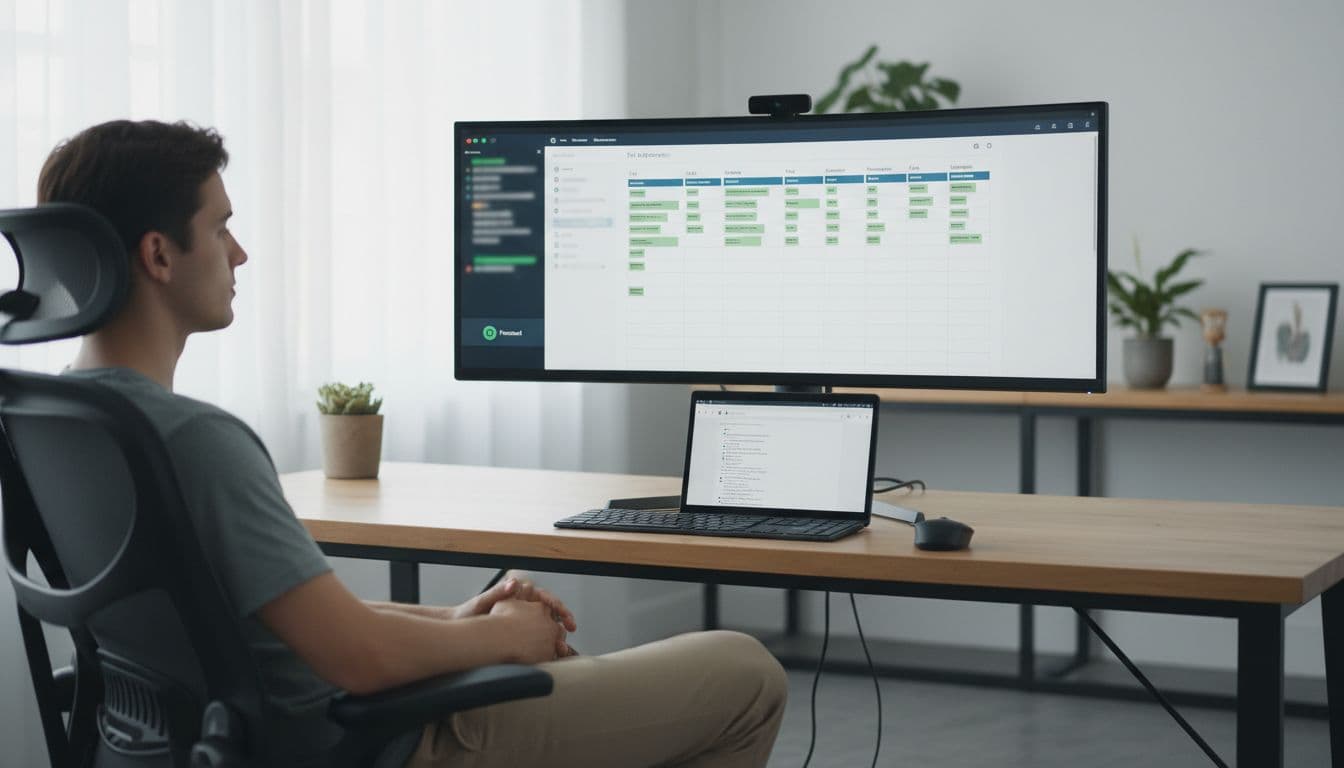
Behind the scenes, a few fixes help more than they get credit for. Single sign-on cuts login friction. Password managers reduce reset pain. Light automation removes repetitive nudges. Strong IT support keeps small tech annoyances from becoming all-day drain.
Use built-in features that protect focus
Most teams ignore the features they already pay for. That's wasteful.
Use do not disturb. Use focus mode. Tune notifications so only direct mentions and true priority items break through. Schedule messages for work hours. Review meeting analytics if your platform offers them. Track screen time if people want a reality check. None of this is fancy. That's the point.
A good tool setup doesn't shout. It clears the room.
Support energy, focus, and connection without adding more screen time
Remote teams don't need forced fun and fake mindfulness theater. They need habits that let people recover during the day. Small resets matter because fatigue compounds. So do errors. When people are mentally drained, quality drops, judgment slips, and security risk rises with it. Recent 2026 reporting links human error to most breaches, which is not shocking when people are half-fried by 4 p.m.
Small daily habits that help people reset during the workday
Short breaks work because the brain isn't a machine with infinite tabs. Try a Pomodoro rhythm if it fits the work. Stand up every hour. Eat lunch away from the desk. Batch admin tasks into one block instead of scattering them all day. End with a clear sign-off, not a vague drift into evening.
These habits sound basic because they are basic. They still work. Harvard Business Review's advice on digital exhaustion lines up with what many remote teams learn the hard way: recovery has to be built in, not wished for.
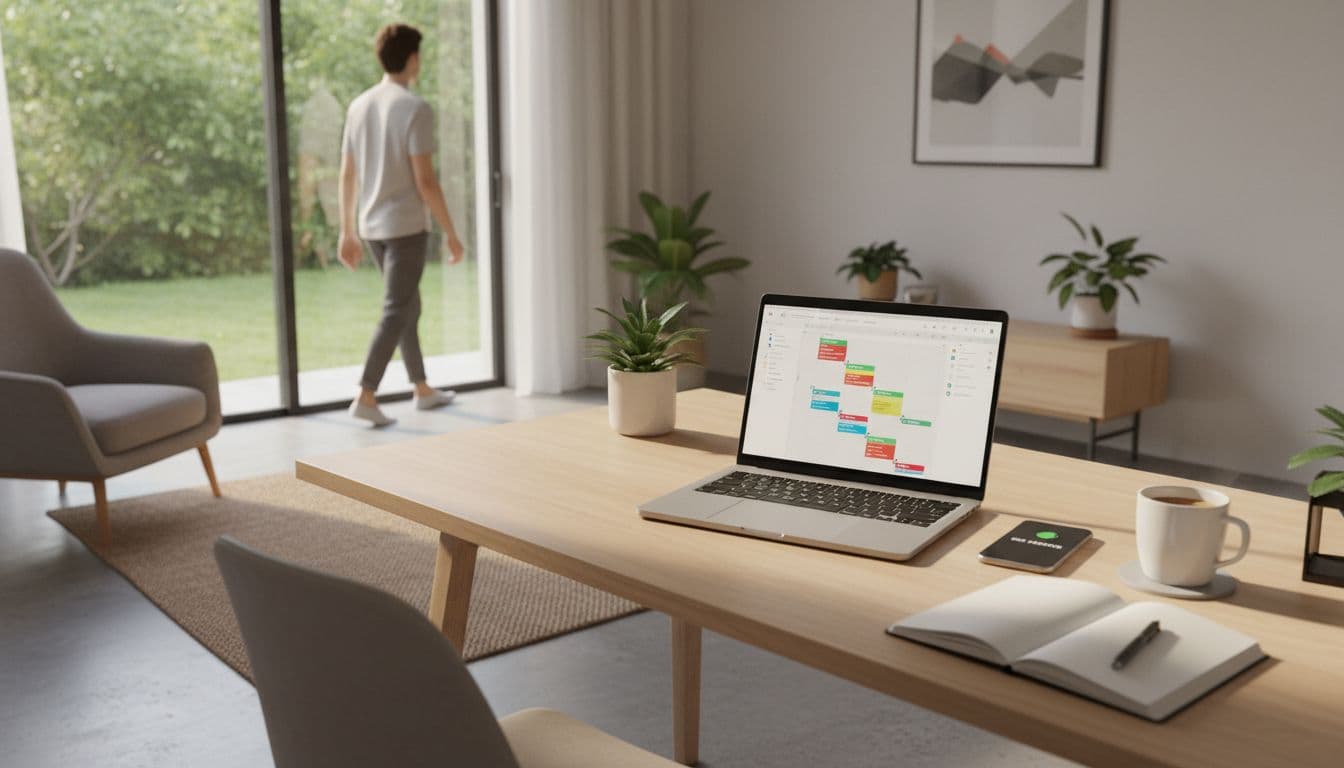
Walking meetings can help, but only when screens aren't required. Optional social time can help, too, if it stays light and truly optional. Mandatory fun after a long screen day is still more screen day.
How managers can lead by example without micromanaging wellness
Managers set the weather. If leaders send late-night messages, fill calendars, and praise instant replies, the team gets the message. Boundaries become fiction.
Model the rules you want. Use delayed send after hours. Rotate meeting times fairly across time zones. Take vacation and stay gone. Say no to extra meetings when a doc would do. Back people when they protect focus. For more practical habits around routines and breaks, these digital fatigue tips are a useful gut check.
This doesn't mean policing self-care. It means removing penalties for healthy behavior.
Conclusion
Digital fatigue isn't the price of remote work. It's the result of messy design, weak norms, and too much noise. Change the design, and the strain drops.
Start small. Pick one no-meeting block. Set one reply-time policy. Move one recurring update to async. Then watch what happens to focus, mood, and output.
The fix isn't more performance around wellness. It's better work design. That's the part teams control, and that's why digital fatigue is fixable.