

Back-to-back tabs. Slack pings. Email refreshes. A phone face-up beside the keyboard, ready to steal another minute. By mid-afternoon, your eyes feel dry and your brain feels blunt.
That isn't a personal failure. It's the system most desk workers now live inside. Recent data shows Americans average about 43 to 44 hours of screen use per week, while remote workers can hit roughly 91 hours. At work, people also get interrupted about every two minutes, which wrecks focus fast. Too much screen time is tied to eye strain, shorter attention spans, and lower output.
The fix isn't to reject tech. That's fantasy. The goal is less useless screen time and more deliberate screen time. That's how you protect your eyes, keep your head clear, and still get your job done.
Find out where your workday screen time is really going
Most people guess wrong. They count the obvious work, then ignore the drip. The inbox checks. The "quick" chat reply. The phone scroll between tasks. The extra video meeting that could've been an email, or better, nothing at all.
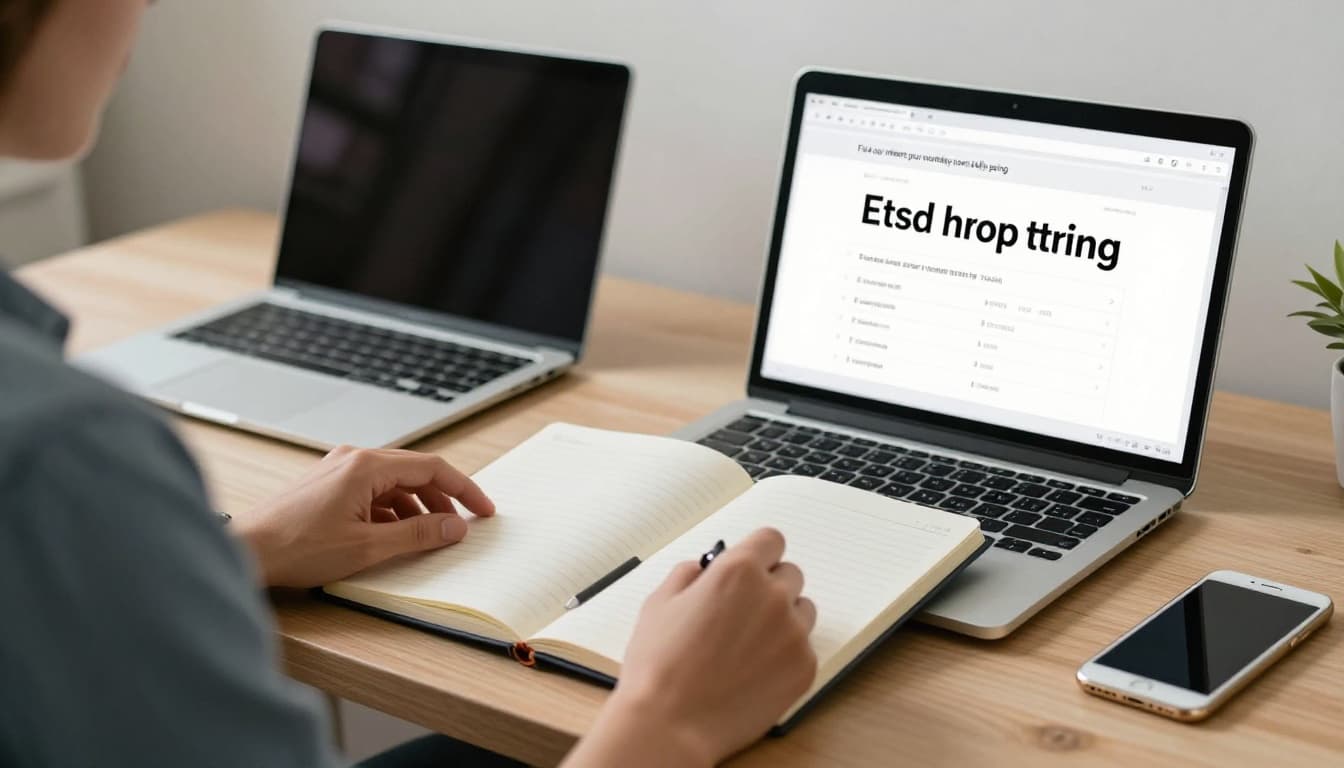
Start with one normal week. No detox theater. Just observe. Use Screen Time, Digital Wellbeing, or your laptop's activity tools. Then keep a paper note nearby and mark each time you shift screens without a clear reason. That second part matters, because behavior hides inside context, not totals.
A simple audit often exposes the waste. One recent guide on a practical screen-time audit makes the same point: not all screen time at work is productive, and most of the drain comes from tiny repeats.
Track your biggest screen time triggers for one week
Don't aim for perfect data. Aim for patterns.
Notice what pulls you back to a screen. For some people, it's boredom. For others, it's stress, habit, or fear of missing something. The trigger matters because the fix depends on it. A bored brain needs friction. An anxious brain needs clear rules.
Write down the moment, not a long diary entry. "Refreshed email after hard task." "Checked phone after meeting." "Opened chat during writing block." After five workdays, the pattern usually gets loud.
Awareness alone can cut use. Some recent research suggests that simply tracking screen behavior reduces it by about 20 percent. No magic. Just visibility.
Separate necessary screen work from habit-based screen use
Not all screen hours deserve the same label. Core work is one thing. Screen-based fidgeting is another.
Necessary screen work includes writing reports, reviewing data, coding, editing, or client calls that need visuals. Habit-based screen use includes re-reading the same inbox, sitting through camera-on meetings that add nothing, checking team chat every four minutes, or picking up your phone during every transition.
That split matters because it keeps the goal sane. You're not trying to work less. You're trying to remove low-value digital motion that looks busy but acts like sand in the gears.
Use simple work habits that cut screen time without hurting productivity
This is where most advice gets soft. "Be mindful." "Set intentions." That's fine, but it doesn't hold under pressure. Work needs structure, not slogans.
The best habits reduce checking, reduce switching, and reduce default screen use. Some 2026 research suggests that cutting screen time by 25 to 30 percent can improve productivity by more than 30 percent. That sounds dramatic. It also makes sense. Less switching means more actual work.
Batch email, chat, and notifications so your brain can focus
Constant pings train you to live in reaction mode. Every alert says, "Stop what you're doing." Most of them lie.
Batch email and chat two or three times a day. For example, check at 9:30 a.m., 1:00 p.m., and 4:00 p.m. If your role requires faster response, tighten the window without making it constant. The point is to choose the moment, not surrender to it.
Use Do Not Disturb. Set a status message. Mute non-urgent channels. If your team needs something fast, they can call. Everything else can wait a block.
Task batching works because similar tasks share mental setup. You don't keep restarting the engine. Asana's guide to task batching at work explains the mechanics well, but the principle is simple: fewer context switches, better focus.
If everything gets your attention, nothing gets your best attention.
This works in offices, at home, and in hybrid setups. In an office, close the chat panel during focus blocks. At home, move your phone out of reach. In hybrid work, keep the same check-in windows on every location, because inconsistency breeds relapse.
Replace small digital tasks with paper, whiteboards, and in-person talks
Not every thought needs a screen.
Write your daily plan by hand. Keep a paper pad for scratch notes. Use a whiteboard for rough ideas, meeting prep, or project mapping. Those tools reduce tab sprawl and give your eyes a break at the same time.
Small swaps add up. Walking to a coworker for a two-minute answer can replace a six-message thread. An audio call can replace another square-grid video meeting. A printed agenda can keep a meeting tighter than a shared doc everyone half-reads.
Lunch matters too. Keep it screen-free when you can. No laptop, no doom-scroll, no "just catching up." Your brain needs at least one clean break in the middle of the day. Otherwise, the whole day feels like one long loading bar.
A CNBC piece on making workday screen time less exhausting points to the same truth: the goal isn't total abstinence, it's less passive, draining exposure.
Set up your desk and schedule to give your eyes and brain a break
Digital eye strain is common because screen work asks your eyes to lock in for hours. Blink less, stare more, repeat. That's the whole problem.
Recent estimates suggest 70 to 80 percent of office workers deal with some form of computer vision syndrome. Dry eyes, headaches, blur, neck tension, mental fatigue. None of that is rare. It's normal in the worst way.
Build short screen breaks into your day so they actually happen
Breaks fail when they rely on mood. Build them into the system instead.
Tie a break to task changes. Finished a draft, stand up. Ended a call, refill water. Sent the file, look out a window for 20 seconds. These tiny resets stop fatigue before it stacks.
The 20-20-20 rule is still useful because it's simple: every 20 minutes, look 20 feet away for 20 seconds. A short 20-20-20 rule guide breaks it down clearly. Keep it plain. Eyes need distance after close focus.
Standing during audio calls also helps. So do walking meetings when a screen isn't required. Motion isn't a luxury here. It's maintenance.
Make your screen easier on your eyes when you do need it
You still need screens, so make them less punishing.
Keep the monitor about an arm's length away. Put the top of the screen at or slightly below eye level. Increase font size before you start squinting. Match screen brightness to the room, and cut glare from windows or overhead lights.
Blink on purpose when your eyes feel dry. That sounds silly until you realize how little people blink during focused screen work. If symptoms keep returning, use Harvard's tips for reducing eye strain as a solid baseline, then book an eye exam. Ongoing strain isn't something to just power through.
Create workplace rules that make lower screen time stick
Personal habits help. Team norms decide whether they survive.
If your workplace rewards instant replies, endless meetings, and camera-on fatigue, individual discipline won't carry the load. People check constantly because silence feels risky. That is a management problem dressed up as a personal one.
Make meetings shorter, fewer, and less screen heavy
Most meetings are too long, too frequent, and too visual for no good reason. Recent data shows knowledge workers spend about 11.3 hours a week in meetings, and many say most of them aren't useful.
Set no-meeting blocks. Default to 25 or 50 minutes instead of 30 or 60. Use audio-only calls when faces and slides add nothing. For internal one-on-ones, walking meetings often work better than another webcam session.
Shared agendas help too. If people know the purpose before the call, there's less screen sharing, less drift, and less pointless attendance.
Agree on response times so everyone stops checking constantly
Fast response culture creates fake urgency. Then everyone pays for it with fractured attention.
Set clear expectations as a team. Maybe chat gets a response within two hours. Maybe email gets same-day response unless marked urgent. Maybe true emergencies require a phone call. Simple rules like that remove guesswork, and guesswork is what drives compulsive checking.
Clear response windows reduce anxiety because people stop treating every notification like a fire alarm.
Also, think hard about work apps on personal phones. In at least one recent study, removing them was one of the strongest ways to lower stress. Less access can mean better work, not worse.
Reducing screen time at work isn't about purity. It's about control. Better focus, steadier energy, fewer headaches, less pointless checking. Start with two moves this week: track your screen time, then batch messages. After seven days, look at what changed. If your eyes hurt less and your work moves faster, that's the signal. Keep that. Cut the rest.