

Before the workday settles, the noise starts. Email pings. Chat badges. Calendar reminders. Phone buzzes. Then the second wave hits before the first one clears.
That isn't a personal weakness. It isn't bad time management. It's notification overload, and it's now a normal part of work for millions of people. Recent 2026 data shows workers get about 117 emails and 153 Teams messages a day, while interruptions land every two minutes. Many also keep checking messages after hours, which means work rarely gets a clean ending.
The result is predictable: more stress, less focus, and a day that feels full but strangely unproductive. Here's the plain version of the problem, the signs that it's hurting you, and what actually helps.
What notification overload really means at work
Notification overload is not just "a lot of messages." That's too soft. The real problem is the nonstop mix of email, chat, task alerts, meeting reminders, app badges, and mobile pushes, all competing for attention at once.
Frequency matters. So does timing. So does the false sense of urgency that comes with every red dot and chime. One tool might be manageable. Five tools, all demanding response, is different. That's not communication. That's friction.
For many office workers, email alone can swallow a huge slice of the week. Some long-cited estimates put it near 28 percent. Add chat, meetings, and project software, and the day starts to look less like work and more like message triage. Recent workplace data shows people now spend 57 percent of their day communicating instead of creating.
That pattern matches what Slack describes as workplace information overload: too much input, too little time to sort signal from noise.
The hidden cost of getting interrupted all day
A notification may take five seconds to read. The damage takes longer.
A widely cited study found it can take about 23 minutes and 15 seconds to refocus after an interruption. Maybe your reset time is shorter. Fine. The point still stands. Attention doesn't snap back on command.
So people end the day confused by their own calendar. They were active the whole time. They answered things. They reacted fast. Yet the real work barely moved.
A five-second check can wreck a 20-minute focus block.
Why every ping feels urgent, even when it is not
Alerts hook attention because the brain hates loose ends. A new message might matter. It might be harmless. You don't know yet, so you check.
That loop gets stronger with repetition. Curiosity pulls first. Then habit. Then status pressure. People want to seem available, quick, and on top of things. Some studies have found many emails get opened within six seconds. That tells you how fast the reflex fires.
The body reads the signal as urgent, even when the content is trivial. A lunch thread. A "quick question." A meeting moved by 15 minutes. None of it looks serious alone. Together, it turns the day into confetti.
How too many notifications raise stress, anxiety, and burnout
Constant alerts do more than distract. They change the feel of work itself. The day stops having edges. Attention gets chopped into tiny pieces. Even rest starts to feel conditional.
Recent 2026 data shows 77 percent of workers felt work stress in the past month. About half felt used up by day's end. Burnout remains high, and after-hours messaging keeps feeding it. Around 85 percent of workers get work messages outside normal hours, while 40 percent check email before 6 a.m. That's not flexibility. That's spillover.
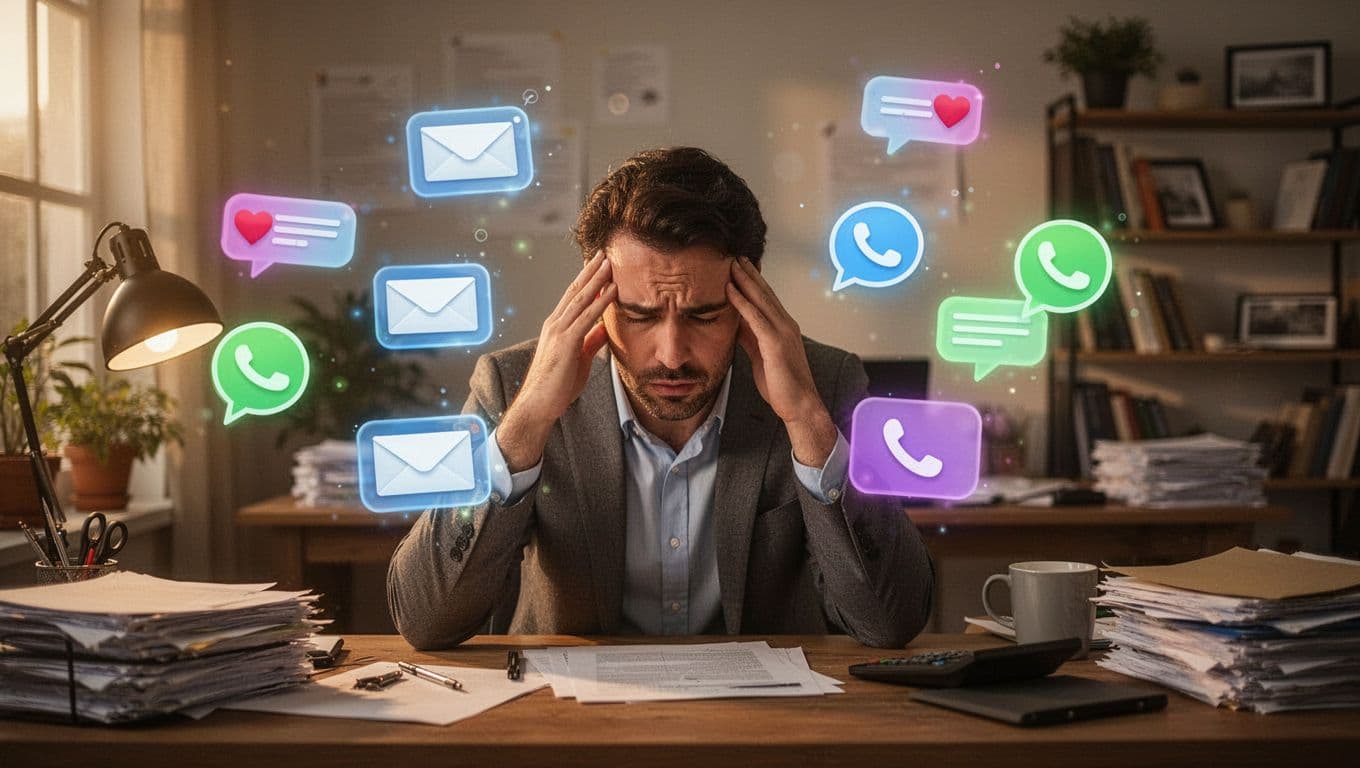
A lot of stress at work looks emotional. Much of it is mechanical. Too many inputs. Too little recovery. Too much guessing about what matters right now.
When your brain never gets a real chance to focus
Focus needs runway. Notifications keep cutting the runway short.
As a result, people make more small mistakes. They forget why they opened a tab. They re-read the same message three times. They lose the thread in the middle of a task. Then they blame themselves for being tired or scattered.
This is where overload gets sneaky. It doesn't always feel dramatic. Sometimes it just feels like fog. A slow, grinding drop in work quality. A growing sense that everything takes longer than it should.
That isn't laziness. It's mental fatigue from constant switching.
Why remote and hybrid workers often feel it more
Remote and hybrid work can help in many ways. Still, it often increases digital traffic. When you don't share a room, every check-in becomes a message, a ping, a call, or a calendar block.
That creates a bad trade. More visibility, less quiet.
Recent data shows 69 percent of remote workers link digital communication to burnout. About 81 percent check work email outside normal hours, and 40 percent say they struggle to disconnect. The wider pattern in remote work statistics for 2026 points the same way: more communication does not always mean better coordination.
Evening meetings are also rising. So the workday stretches. Home stops feeling like home. The laptop stays half-open in the mind, even when it's shut on the desk.
Signs notification overload is hurting your workday
Most people don't announce, "I'm overloaded by notifications." They say they're busy. They say they're behind. They say they can't seem to get traction.
The signs are usually ordinary. That's why they get missed.
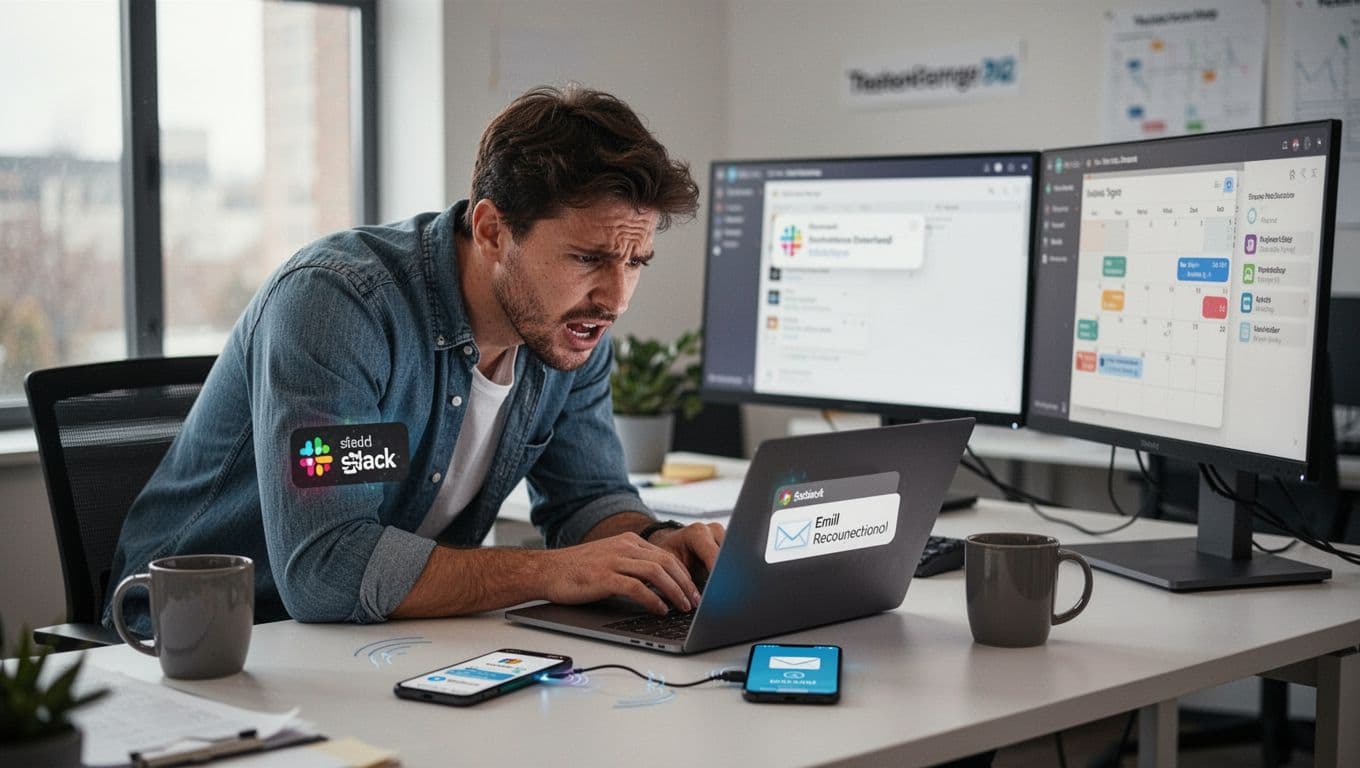
You start the day reacting instead of doing your real work
Mornings should set direction. Instead, many people start with inbox cleanup, chat catch-up, and meeting alerts. Before 8 a.m., the day is already being managed by other people's priorities.
That reactive start has a cost. The hardest task gets delayed. The thoughtful task gets pushed to "later." Then later never shows up.
When this becomes normal, your workday stops being planned and starts being invaded. Reports like this take on notification overload and morale capture the same pattern: constant connectivity creates motion, not progress.
You feel busy all day, but important tasks keep slipping
This is the classic symptom. You jump between apps. You skim messages without absorbing them. You forget what you were doing right before the ping. Then you check email again at night because the unfinished work is still hanging there.
It feels like effort. It is effort. But it isn't always useful effort.
A few signs tend to show up together. You re-open the same tabs. You lose track of priorities by noon. You answer low-value messages fast while high-value work sits untouched. By evening, you're worn out and still behind. That's overload in plain clothes.
Simple ways to reduce notification overload without falling behind
The fix is not heroic discipline. It is not waking up earlier. It is not becoming a calmer person through pure will.
This is a system problem. Therefore, the best fixes combine personal boundaries with team rules. You need both. One without the other fails fast.
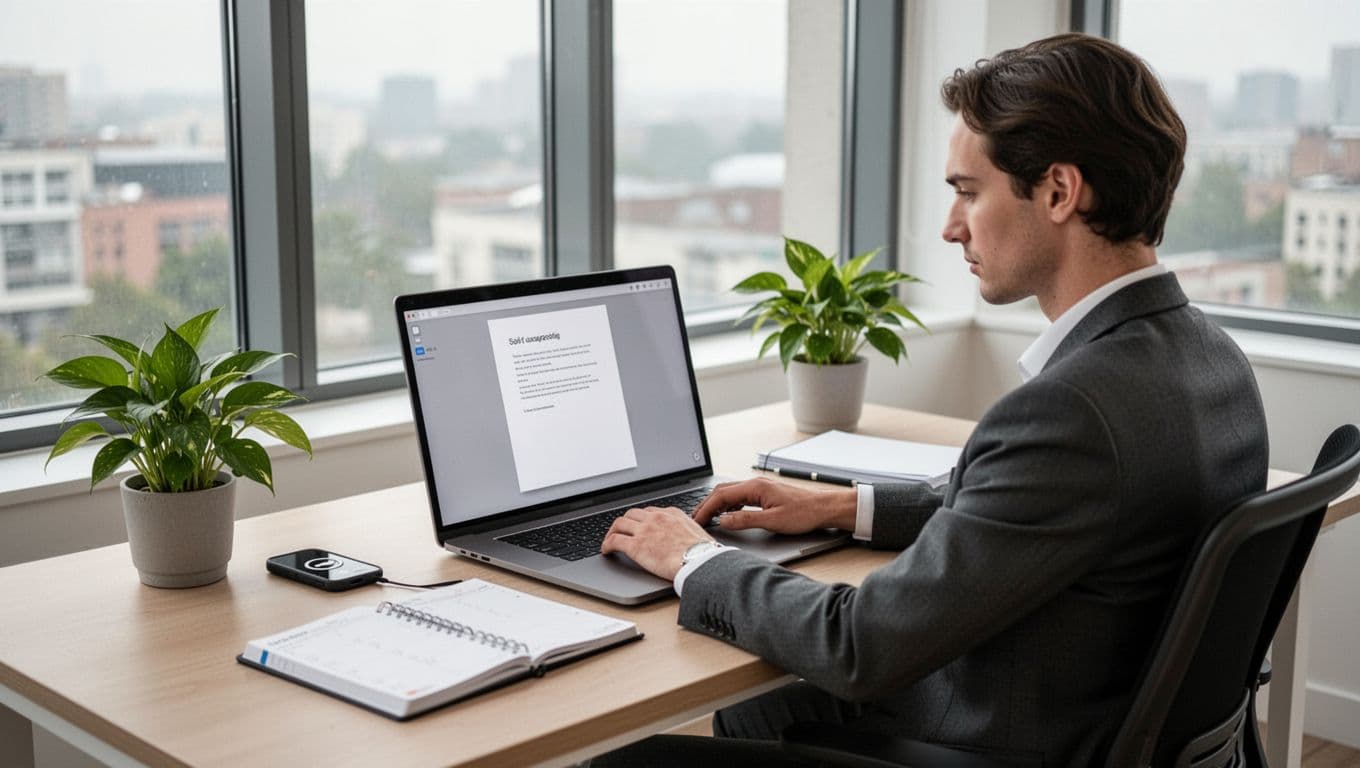
Set better personal boundaries with alerts and inbox checks
First, turn off nonessential alerts. Not all of them. Just the ones that add noise without helping decisions. App badges, promotional pushes, low-value channel alerts, and every desktop pop-up do not deserve equal access to your brain.
Next, check email at set times if your role allows it. For example, late morning, after lunch, and late afternoon often works better than constant grazing. Use focus mode during deep work blocks. Mute channels that are active but rarely useful. Separate urgent contacts from everyone else.
Most people don't need fewer messages as much as they need better sorting. That's the real move. Similar advice shows up in communication overload strategies because filtering beats constant monitoring.
Build team rules that protect focus time
Personal habits help, but teams set the weather. If the culture rewards instant replies, people will keep living in their inbox.
A few rules make a real difference:
- Use chat for quick coordination, not complex decisions.
- Use email for nonurgent items that can wait a few hours.
- Define what counts as urgent, and keep that list short.
- Set normal response windows, so silence doesn't trigger panic.
- Protect focus blocks, with fewer internal pings and fewer surprise meetings.
- Reduce after-hours messaging, unless something truly cannot wait.
Clear norms lower stress because they remove guesswork. They also improve work quality. Less noise means fewer mistakes, better thinking, and more honest timelines. Small rules do that. Fancy slogans don't.
Take back your attention
Notification overload is not a minor annoyance. It creates real stress, breaks focus, and makes good work harder than it needs to be. The path forward is simple, even if it isn't always easy: notice the signs, cut the alerts that don't matter, and push for clearer team habits. Start small, but start on purpose. A quieter workday won't solve everything, yet it can give you back something that work keeps stealing, control.